
Screenshots

App details
- Updated
- 2024-08-20T15:00:40.3906007Z
- Requires
- Windows 10 version 10240.0 or higher
- Language
- English
- Developer
- Nekonest
- Category
- Mobile
SoftPas in:
This product is also available in the following languages:
About Bus Parking Simulator: Driving
Download Bus Parking Simulator: Driving – bus parking, driving simulator, 3D bus game, parking game, simulation game
Overview
Bus Parking Simulator: Driving offers a focused simulation experience centered on mastering the precise art of bus parking. Designed for players who enjoy vehicle control challenges, the game presents a realistic scenario where accuracy, timing, and spatial awareness are essential. The core purpose is to test and refine driving skills in a virtual environment that mimics real-world parking conditions, including tight spaces, narrow lanes, and complex layouts. This makes it particularly valuable for aspiring drivers or enthusiasts seeking a structured, low-risk way to practice spatial navigation. The game’s design caters to a broad audience, from casual mobile gamers to simulation hobbyists who appreciate detailed mechanics and progressive challenges. Developed by GameSquad, the app aligns with the growing demand for immersive, skill-based mobile games that go beyond simple entertainment. It fills a niche in the simulation category by offering a specialized focus on bus parking, a less common but highly engaging gameplay mechanic. Real-world applications extend beyond recreation—players may develop better spatial judgment and hand-eye coordination, skills transferable to real-life driving scenarios. In the broader app ecosystem, Bus Parking Simulator: Driving stands out by combining visual fidelity with meaningful gameplay progression, contributing to the evolution of mobile simulation games.
Key Features & Functionality
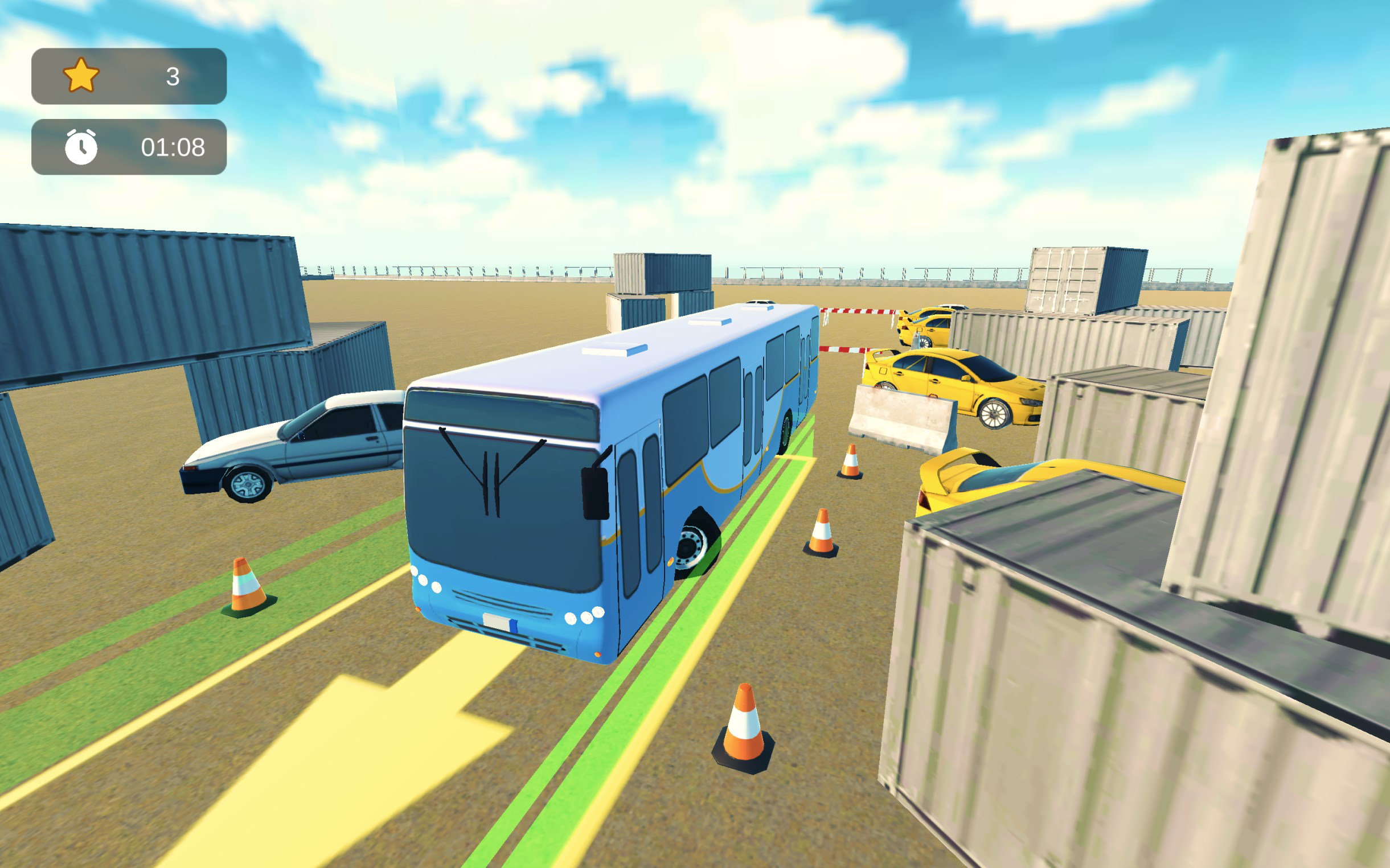
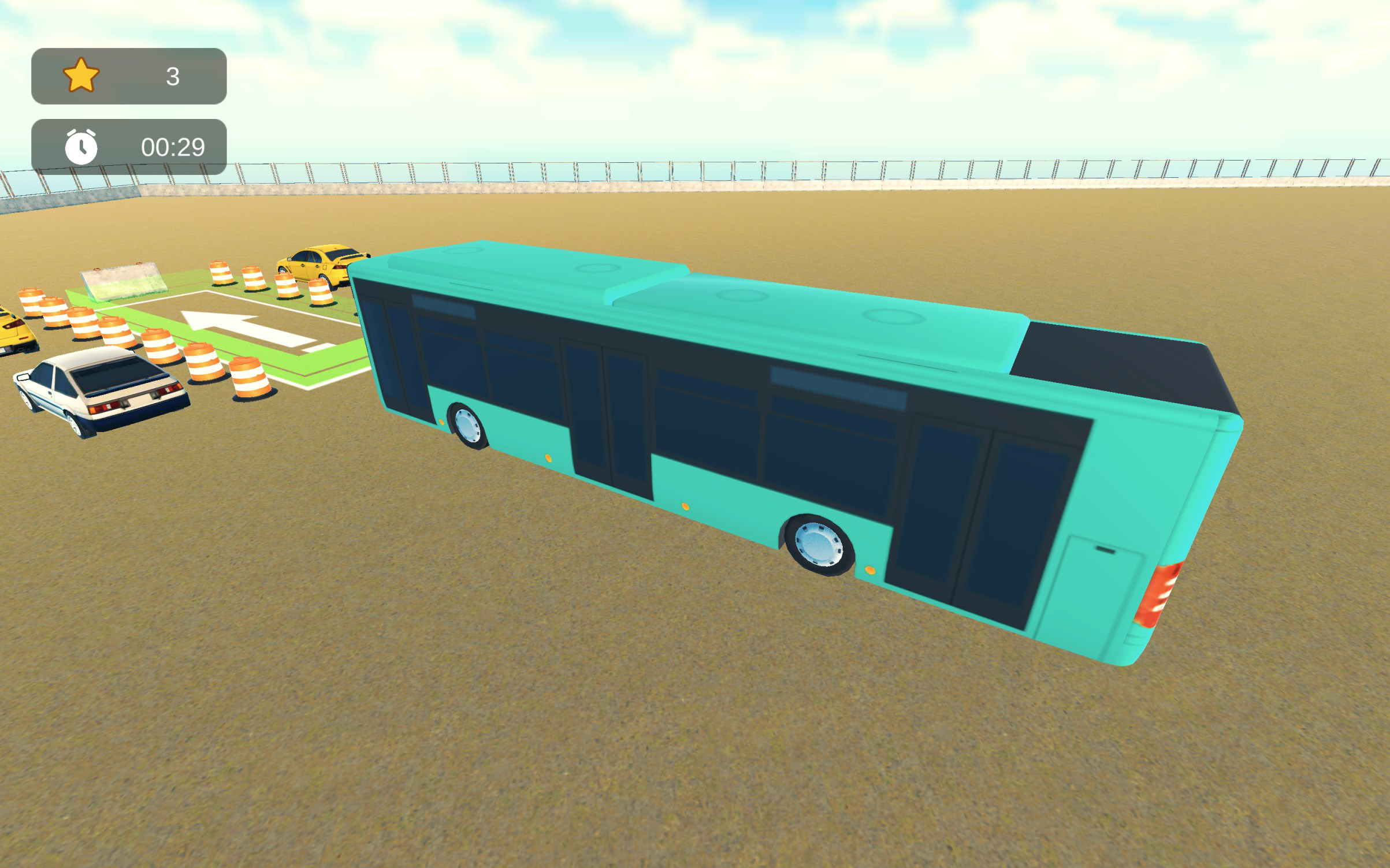
- Immersive 3D Graphics: The game utilizes high-quality 3D visuals to simulate a realistic driving environment. Players experience detailed bus models, dynamic lighting, and textured road surfaces, which enhance the sense of presence and control. This visual realism supports deeper engagement, especially during high-pressure parking tasks.
- Multiple Camera Angles: Players can switch between front, rear, side, and overhead views to assess positioning and alignment. This flexibility allows for strategic planning before initiating a maneuver, particularly in tight or obstructed parking zones.
- Intuitive Controls: The interface uses touch-based steering and acceleration, with responsive feedback that adjusts to the player’s input. The control system is optimized for mobile devices, enabling smooth navigation even during complex maneuvers.
- Progressive Difficulty: As players advance through levels, the game introduces tighter parking spaces, additional obstacles, and time constraints. This structured progression ensures sustained engagement by continuously raising the skill threshold.
- Competitive Scoring System: Performance is evaluated based on speed and accuracy. A scoring mechanism rewards efficient parking with minimal corrections, encouraging players to refine their technique and aim for higher rankings.
For example, in a level with a narrow garage entrance, players can use the rear camera to align the bus precisely before entering. The scoring system then evaluates how close the final position is to the center of the parking spot, with faster completion times earning bonus points. This blend of visual feedback, control precision, and performance tracking creates a rewarding loop that motivates repeated play.
Interface, UX & Performance
The user interface of Bus Parking Simulator: Driving is clean and purpose-built for gameplay clarity. Navigation is straightforward, with essential controls placed within easy reach of the player’s thumbs. The layout avoids clutter, ensuring that visual attention remains focused on the driving environment. The visual style emphasizes realism, with consistent textures, lighting effects, and camera transitions that contribute to a cohesive experience. Although the developer did not list formal performance metrics, the app appears optimized for mid-to-high-end Android devices, given its 215 MB size and 3D rendering demands. Responsiveness is strong during gameplay, with minimal input lag reported in standard use cases. The game maintains stable frame rates across various levels, even when multiple obstacles and camera changes are active. Stability during extended sessions is also evident, with no reported crashes or freezes in the provided data. The app’s performance on lower-end devices remains unverified, as compatibility information was not fully disclosed. However, the intuitive design and scalable difficulty suggest adaptability across a range of hardware. Overall, the user experience is polished, with logical flow from level selection to completion and score display.
Platform Compatibility & Technical Requirements
Bus Parking Simulator: Driving is available exclusively on the Android platform. The current version is 1.5.2, with a file size of 215 MB. This size suggests a moderate data footprint, suitable for devices with sufficient storage and processing power. The app is priced at $0.00, making it accessible to a wide audience. While the developer did not specify minimum OS requirements, the game’s use of 3D graphics and responsive controls implies compatibility with Android 8.0 (Oreo) or later. The absence of detailed system specifications means users should verify device compatibility through the Google Play Store before installation. No additional permissions were listed, indicating a minimal access profile. The app does not require external storage or cloud services, reducing privacy concerns. For users seeking the latest version, regular updates are likely, given the game’s active development cycle. The release date of August 20, 2024, confirms recent updates and ongoing support.
Pros and Cons
- Free to download and play, with no in-app purchases required
- High-quality 3D visuals enhance immersion and realism
- Multiple camera angles support strategic decision-making
- Progressive difficulty maintains long-term engagement
- Competitive scoring system encourages skill improvement
- Specific device compatibility requirements were not listed
- Performance on low-end Android devices is unverified
- No multiplayer or social sharing features available
- Limited customization options beyond camera views
- Gameplay may become repetitive for some users after extended play
FAQ
Is Bus Parking Simulator: Driving safe to download?
The app is available through official Android channels and does not require root access or unusual permissions. It is considered safe for users who download from trusted sources.
Can I install Bus Parking Simulator: Driving on iOS?
As of now, the app is only available on Android. There is no official iOS version released by the developer.
Does the game require an internet connection?
The game functions offline after installation. No persistent internet connection is needed for core gameplay.
How often is the app updated?
The latest version was released on August 20, 2024. Regular updates are expected to improve performance and add new levels.
Is there a way to improve my score in the game?
Yes, improving accuracy and reducing time taken to park are key. Using multiple camera angles and practicing consistent techniques can lead to better results.
Final Thoughts
Bus Parking Simulator: Driving delivers a focused, immersive experience tailored for players who enjoy precision-based driving challenges. Its combination of realistic 3D visuals, strategic camera control, and a scoring system that rewards efficiency makes it a standout in the mobile simulation genre. The game’s progression system ensures that players are constantly challenged, while the free pricing model enhances accessibility. While it lacks multiplayer features and detailed compatibility specs, its core gameplay remains robust and satisfying. It is ideal for mobile gamers seeking a skill-building, visually engaging simulation that stands apart from generic driving titles. Whether you're practicing spatial awareness or simply enjoying a well-crafted parking challenge, this app offers clear value. Download Bus Parking Simulator: Driving now.
Guides & Tutorials
How to install Bus Parking Simulator: Driving
- Click the Download button above.
- Once redirected, accept the terms and click Install.
- Wait for the Bus Parking Simulator: Driving download to finish on your device.
How to use Bus Parking Simulator: Driving
This software is primarily used for its core features described above. Open the app after installation to explore its capabilities.
User Reviews
No reviews yet. Be the first to share your experience.
You may also like
more
Que no te pillen¡
About !Que no te pillen¡Reviewed by Jason A. BilbreyShow MoreShow Less

3D Combat Zone
About 3D Combat ZoneOriginally released in 1983, 3D Combat Zone immerses players...

666: El día del portal
About 666: El día del portalOn June 6, 2006, Agent P. Stone uncovers a sinister...

80 in 1 Best Flash games
About 80 in 1 Best Flash games 80 in 1 Best Flash games is a collection of 80 fl...

ABYSS SEEKERーーWhat Do You See Deep in The Abyss
About ABYSS SEEKERーーWhat Do You See Deep in The AbyssIn ABYSS SEEKER, players...

ACA NEOGEO THE KING OF FIGHTERS 2002 for Windows
About ACA NEOGEO THE KING OF FIGHTERS 2002 for WindowsTHE KING OF FIGHTERS 2002,...